
A workspace for documents
Open files, edit PDFs, explore the library and organize your work.
Documents & PDF Editor
Edit PDF on your Android phone, open DOCX and create notes with OffWrite. Keep local documents organized in one workspace. Download it on Google Play.
Available on Google Play
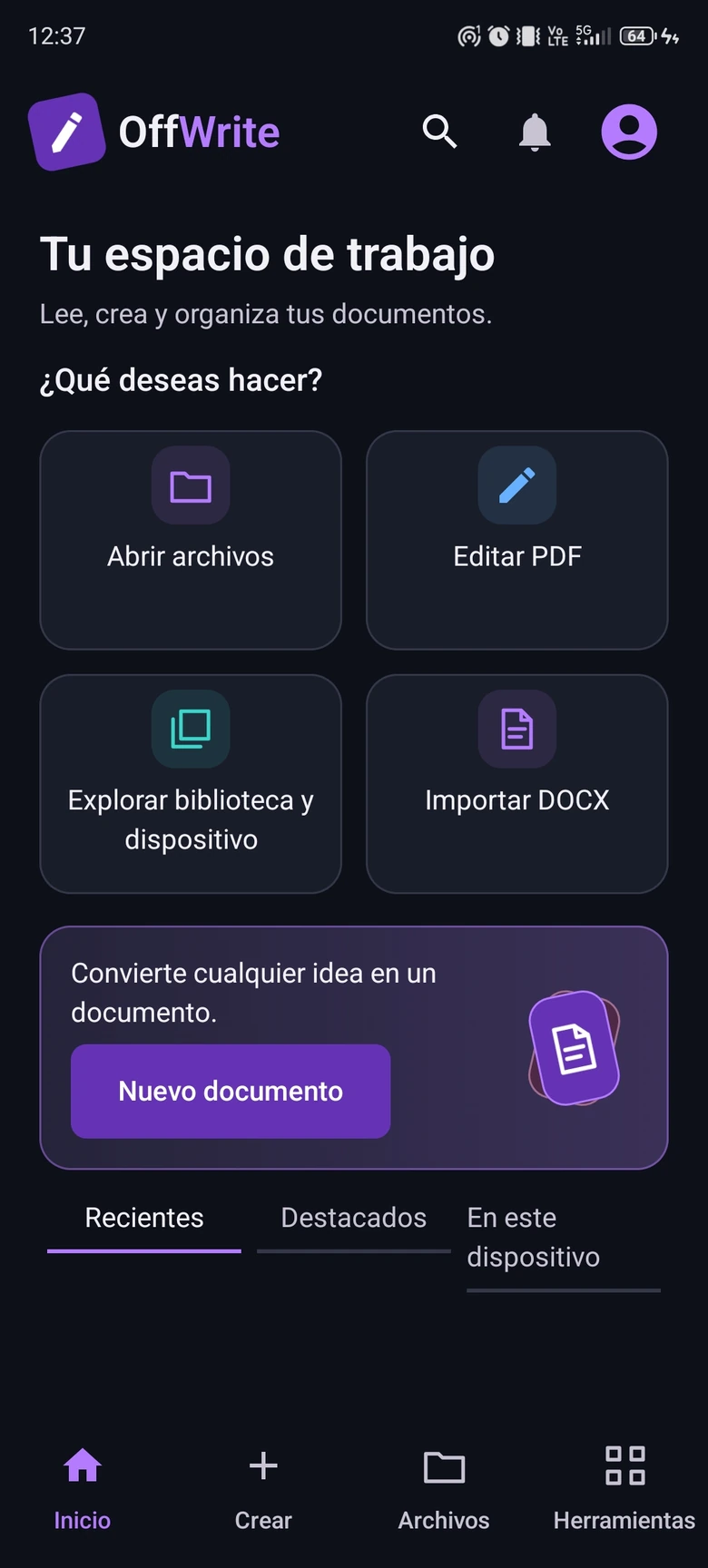
Screenshots captured on an Android phone.
THE EXPERIENCE
Open files, edit PDFs, explore the library and organize your work.
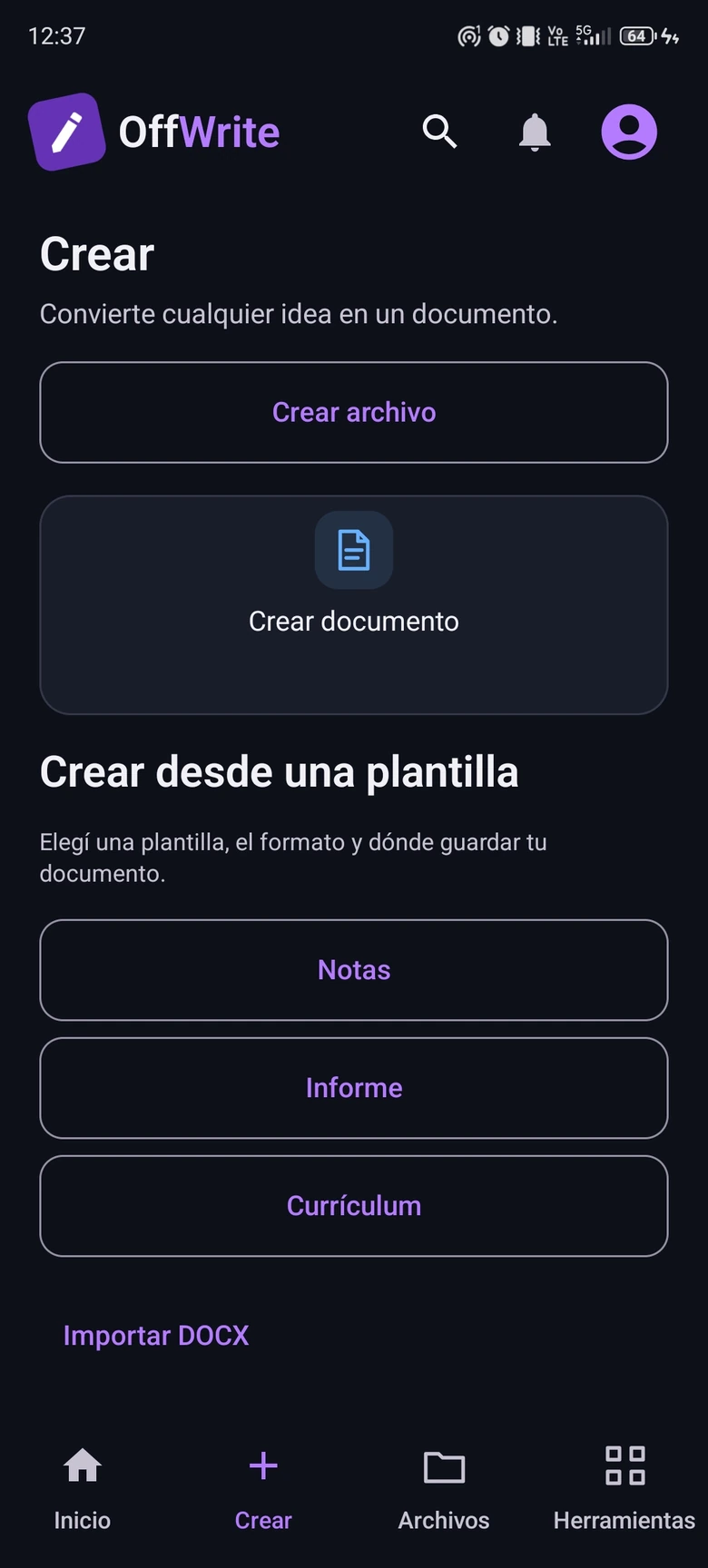
Create a local document and shape it with a focused editing experience.
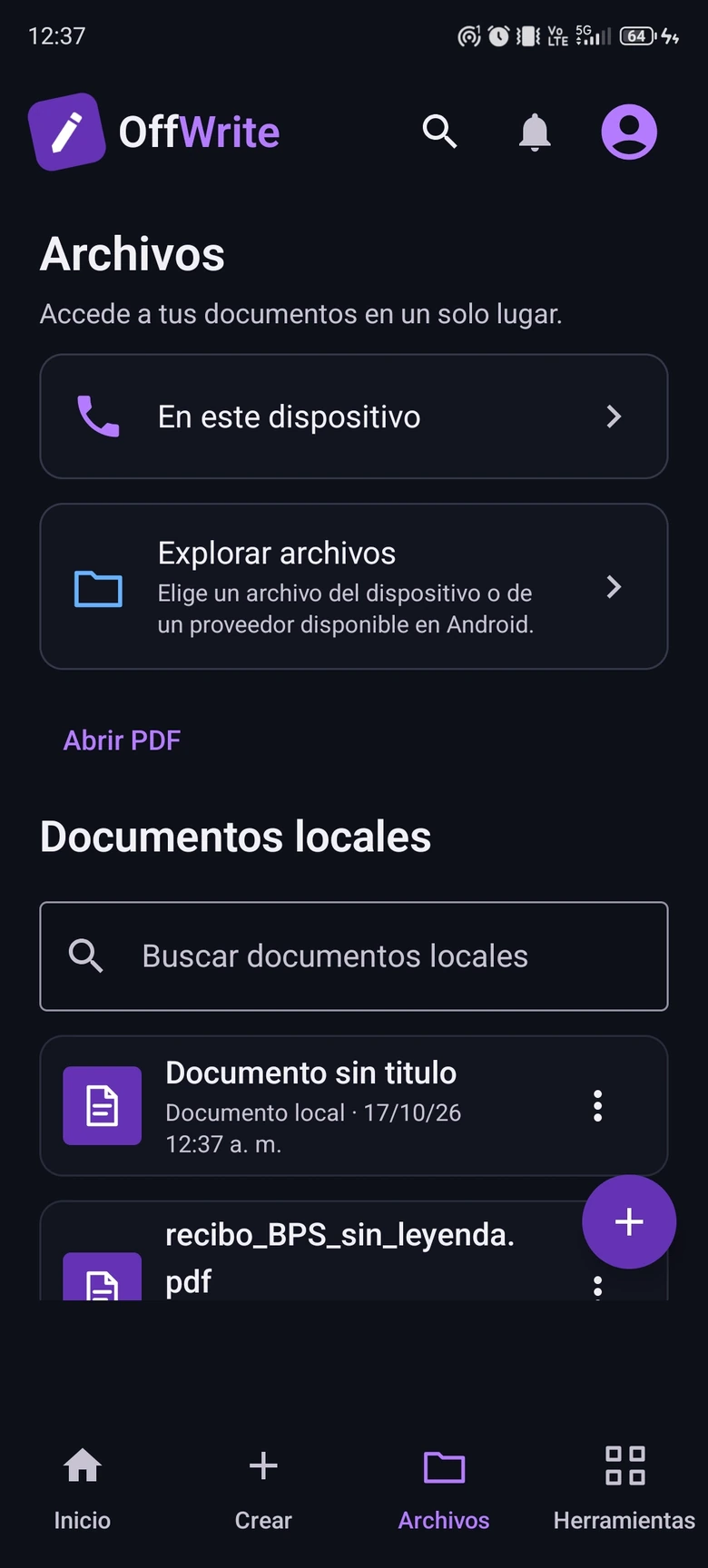
Browse local documents and work with your files on the device.
INSIDE OFFWRITE
Screenshots captured on an Android phone.
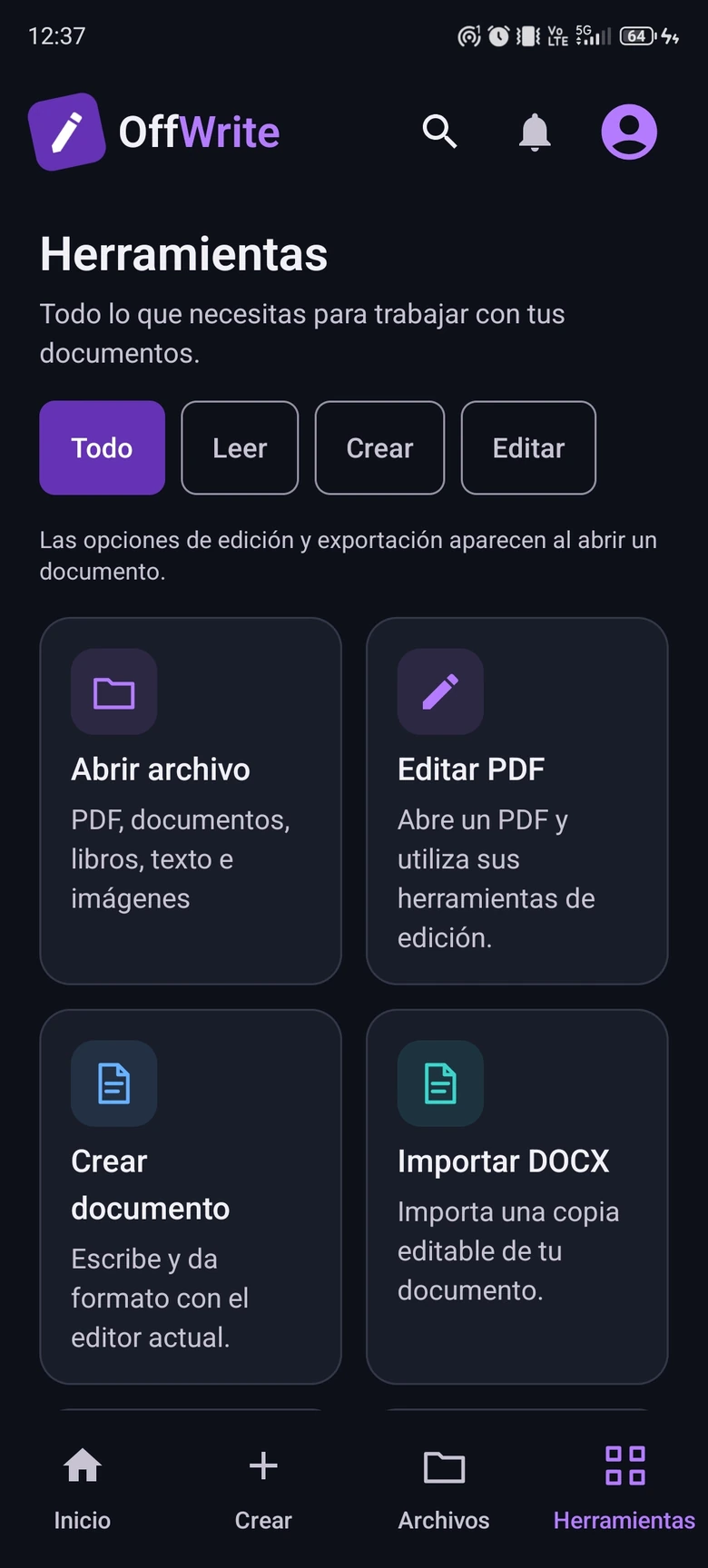
Open OffWrite, choose the PDF editing tool and select a document from your device. Use the available editing tools for your file. Features can vary by document format.
OffWrite includes a DOCX import tool alongside its document and PDF tools. Choose a local file to work with it. Importing a file does not guarantee identical layout for every document.
Start a local document from a blank page or choose a notes, report or resume template. Use the document workspace to write and organize your files on Android.
Browse your document library or select files from the device. OffWrite brings file access, PDF editing and document creation into one Android app.
Get in touch for product information or support.
Contact support Privacy policy